v36 · Darkroom
Meet Glint.
SnapShotPro grew into a full studio. It deserved a name and a look of its own.
Why a new name.
SnapShotPro started as a single HTML file that put a background behind a screenshot. Thirty-five releases later it frames devices, animates timelines, builds App Store sets, runs an AI design agent and lays out whole boards of pages.
The old name described the first version. Glint describes what the studio does now: it takes a plain capture and gives it the small flash of polish that makes people look twice.
What changed: the name and the look.

A new mark. A four-point sparkle on an amber tile, the glint on a polished surface.
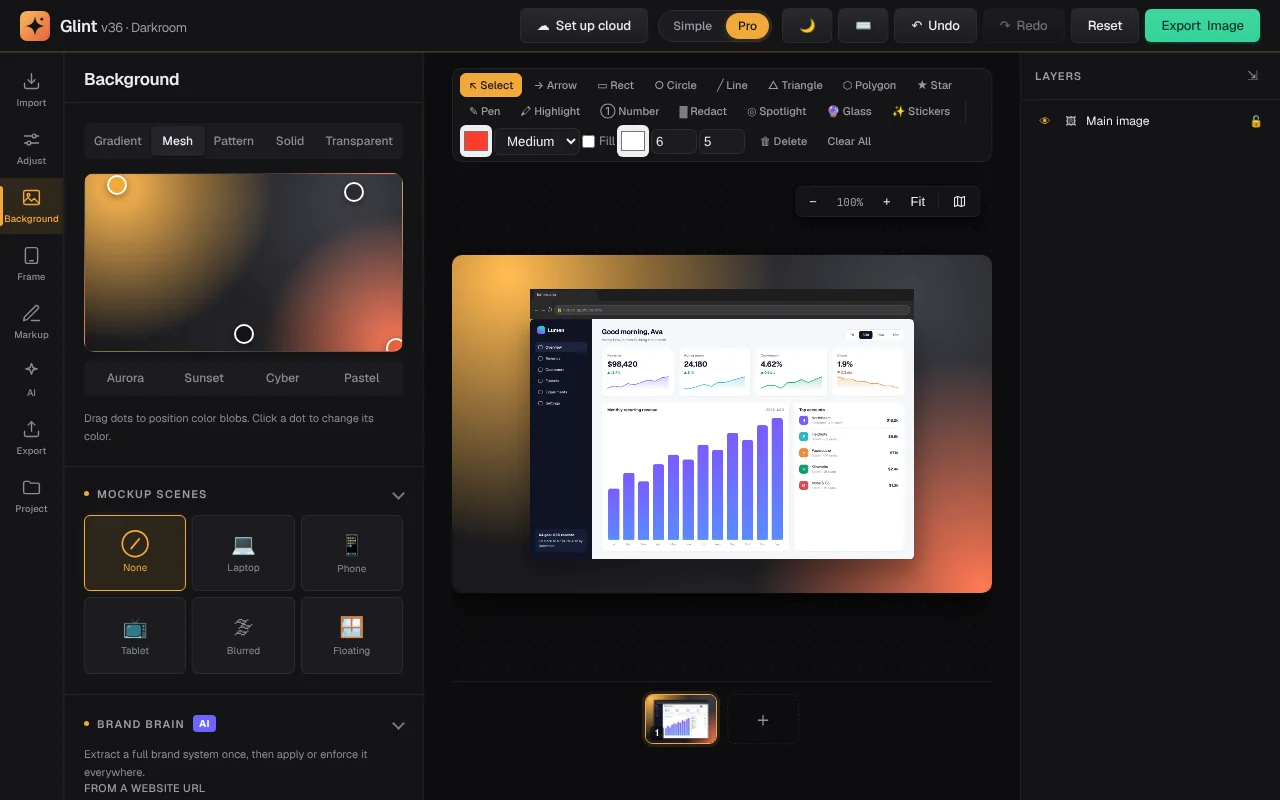
A quieter interface. Graphite and off-white panels with one amber accent, in light and dark.
A new extension name. The capture extension is now Glint Capture.
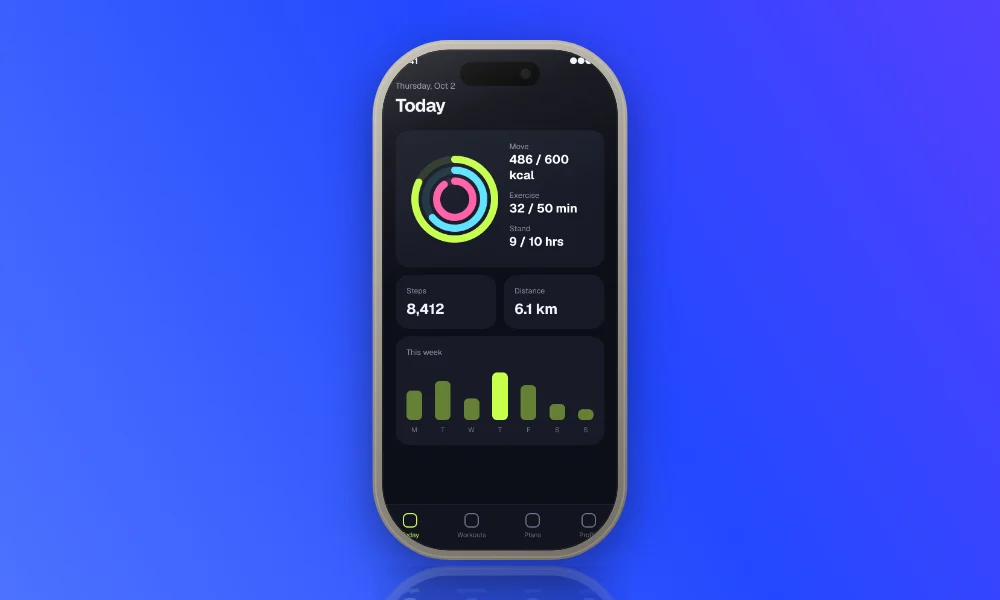
A new homepage. Everything shown on it is real output from the editor.
What stayed: everything you use.
Every tool, shortcut and export is where you left it. Your projects, templates, brand kits, saved colors and API keys move over to Glint automatically the first time you open the studio.