Free screenshot studio, runs in your browser

Screenshots that
carry weight.

Backgrounds, device frames, App Store sets, generative AI edits, even video. All in your browser, no account.

snapshot-pro.app/studio
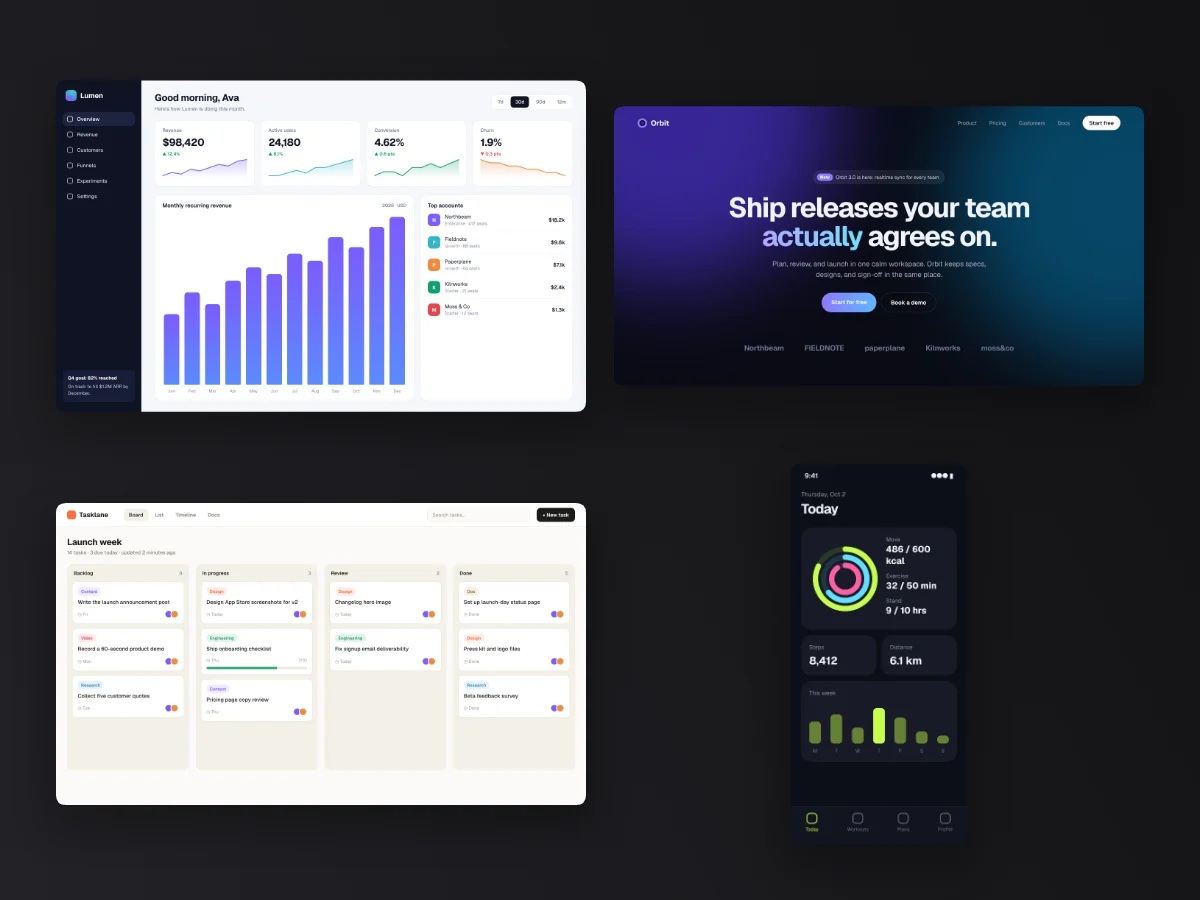
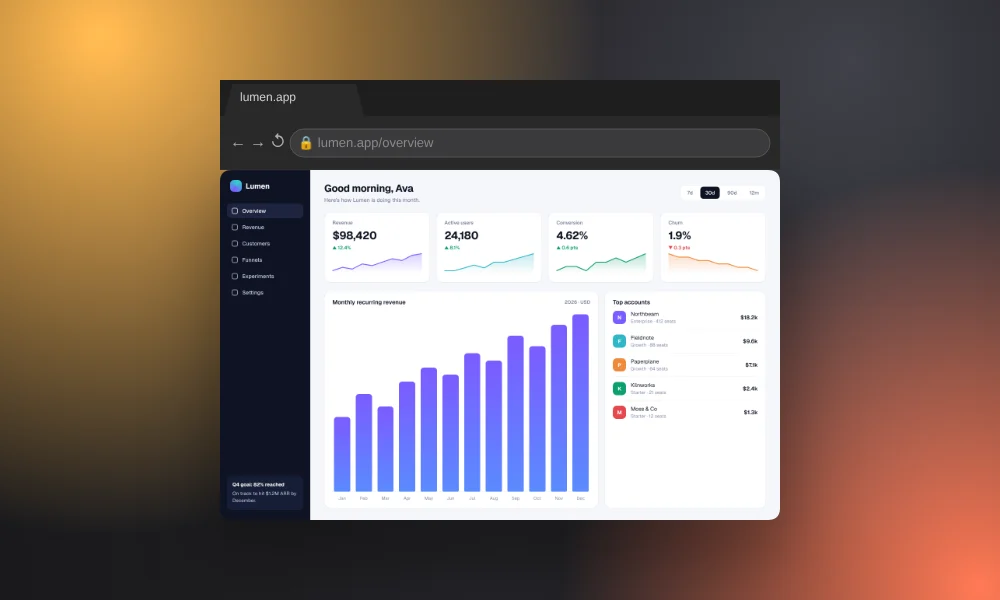
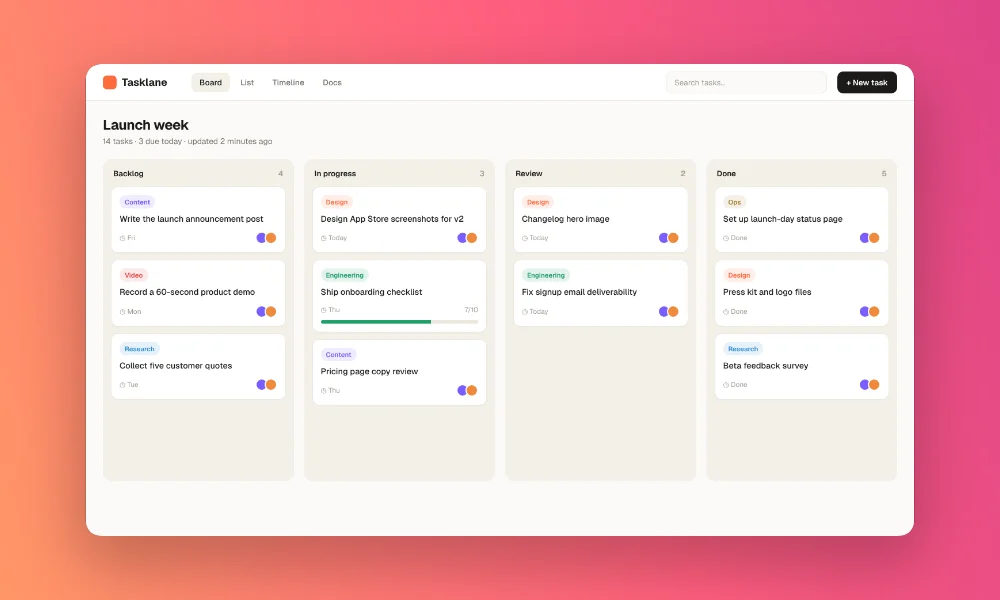
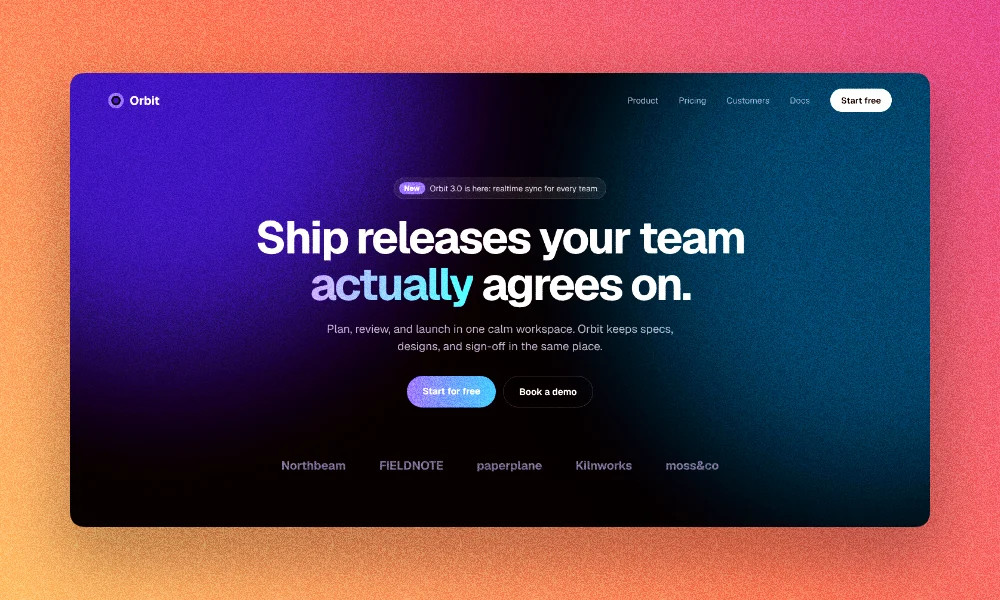
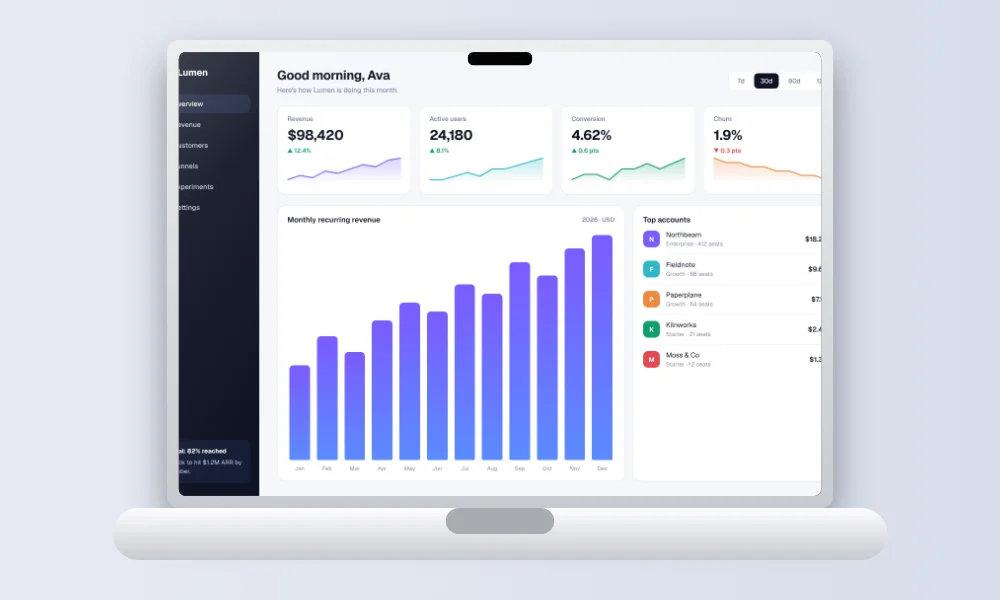
A polished product screenshot composed in SnapShot-Pro
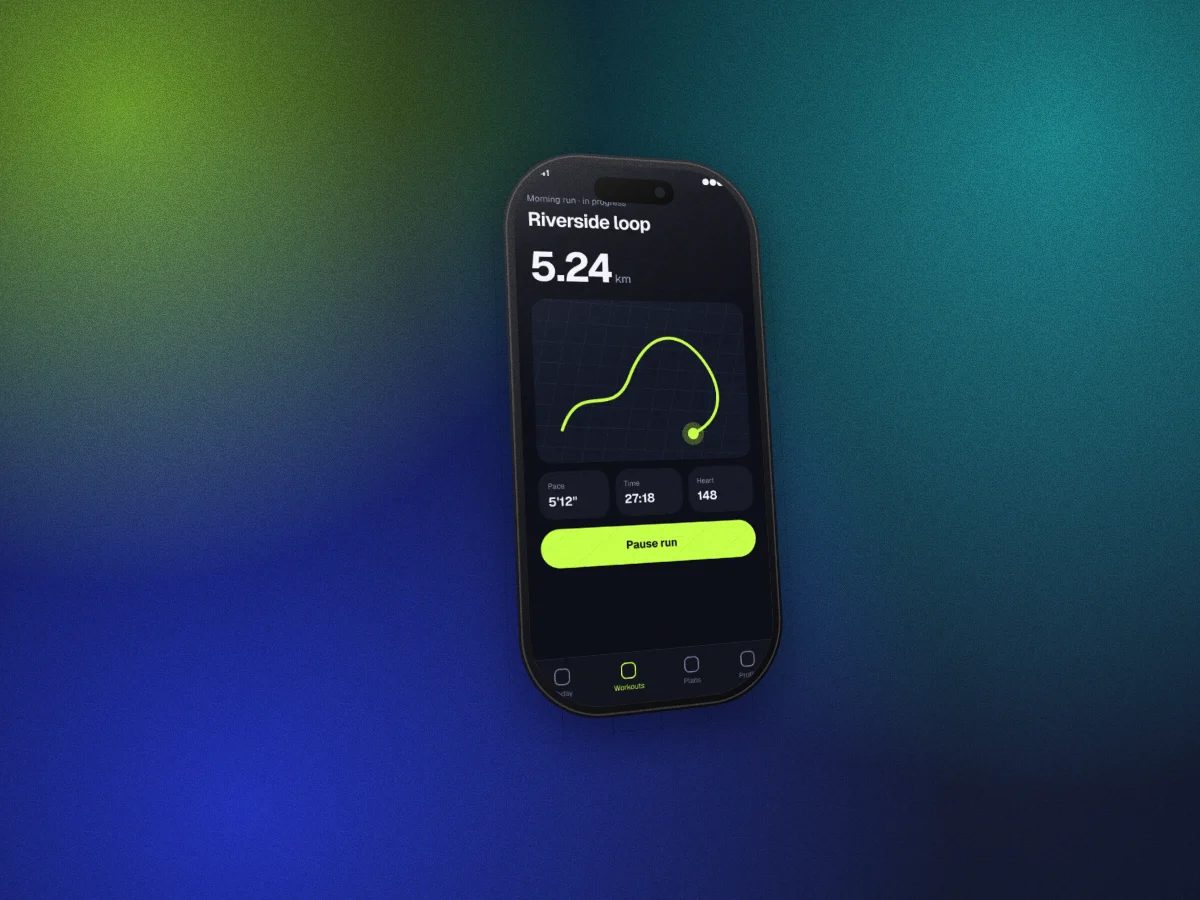
Generative AI edits
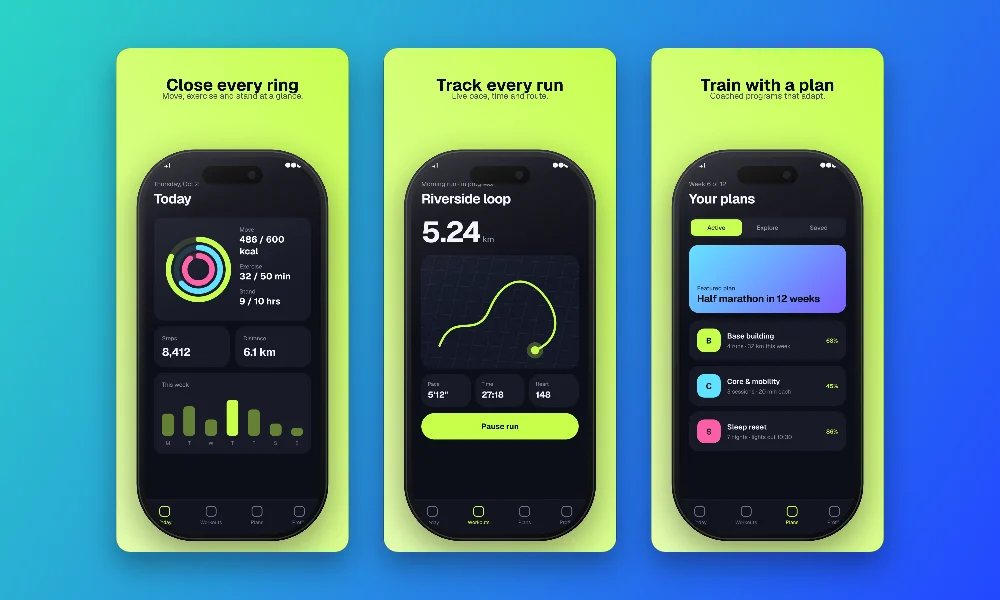
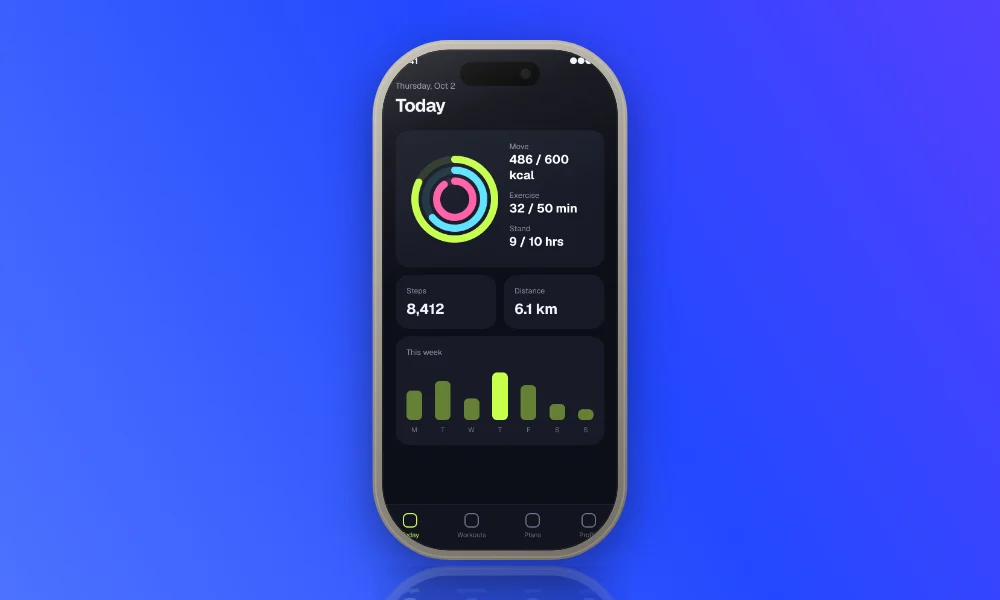
App Store sets
AI background removal Device & window frames Mesh & gradient backgrounds Animation & GIF export Annotate & redact Share links & embeds App Store sets & batch Generative AI & magic eraser Video to MP4 & GIF Brand kits AI background removal Device & window frames Mesh & gradient backgrounds Animation & GIF export Annotate & redact Share links & embeds App Store sets & batch Generative AI & magic eraser Video to MP4 & GIF Brand kits

One screenshot, a dozen ways to make it land.

Drop in anything, then dial in the frame, background, and finish until it looks like it belongs in your deck.

Everything in one canvas

A full studio, no install.

Thirty-plus tools for framing, styling, annotating, and shipping screenshots, running entirely on your machine.

New in v10

Brand Kit

Save your brand once, colors, heading font, signature gradient, logo watermark, and device colorway, then apply the whole identity to any design or a full App Store set in a single click. Your logo rides along on every exported panel.

AI tools, on your terms

Remove backgrounds in-browser, pull text out with OCR, and generate alt text or captions through the hosted backend or your own key.

Backgrounds worth keeping

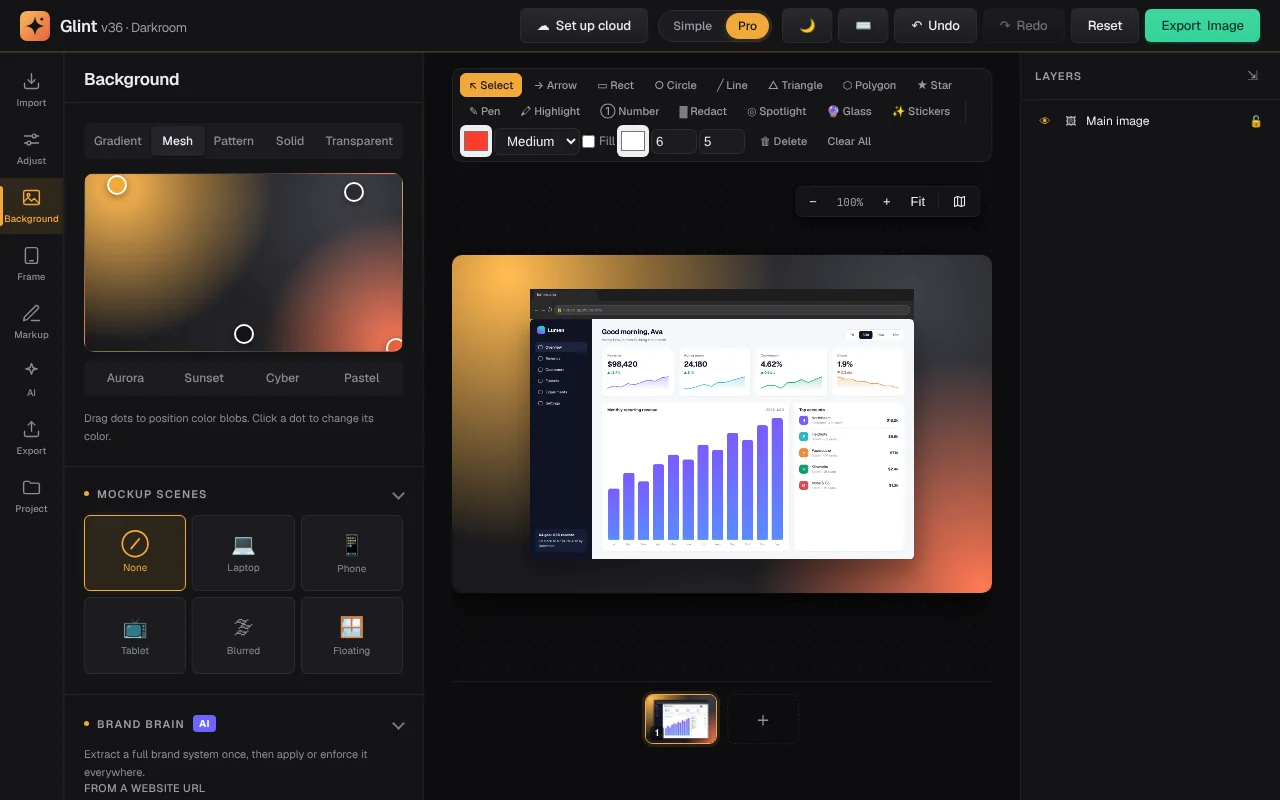
Hand-tuned gradients, draggable mesh blobs, solid fills, or transparent. Extract a palette straight from your image.

App Store sets & batch

Design one mockup, then export a full set of captioned screenshots at every store size. Or run a template across many images and download the ZIP.

Device & window frames

macOS, Windows, iPhone, and browser chrome, plus laptop and phone mockup scenes.

Generative AI edits

Replace a background from a prompt, extend the canvas past its edges, or brush away anything you don't want.

Video, framed

Drop in a clip, trim it, set it inside any device, and export an MP4 or GIF.

Animation & GIF

Fade, slide, bounce, and scale presets. Export the result as an animated GIF.

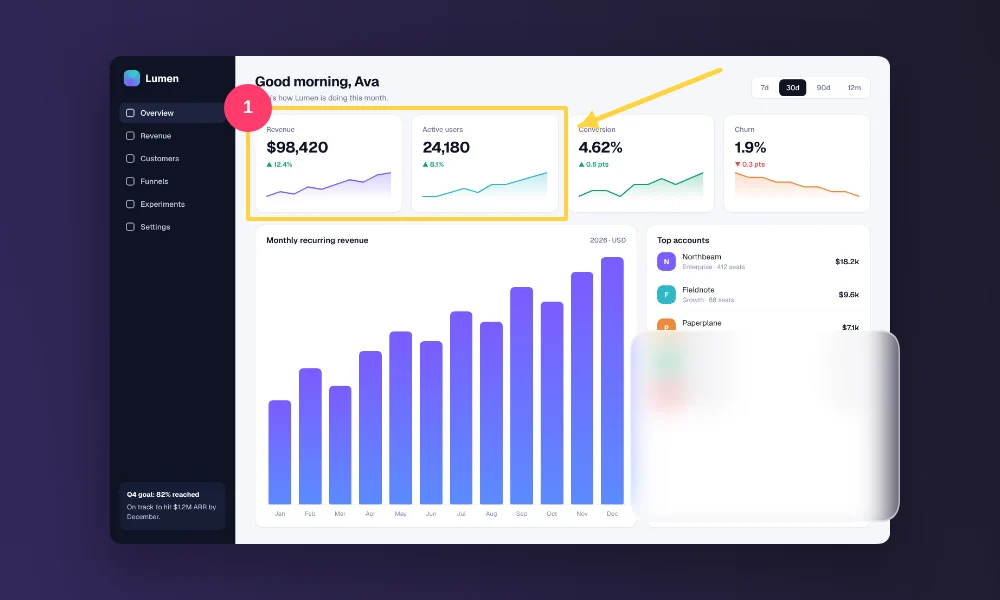
Annotate & redact

Arrows, shapes, freehand, numbered callouts, stickers, blur redaction, and spotlight.

Installable & offline

Add it to your dock as a PWA. The editor runs offline; only cloud AI and sharing need a connection, and nothing uploads unless you ask.

Three steps to a better shot.

01

Drop in a screenshot

Paste, drag, or upload. Add several images and arrange them with auto-layout.

02

Style it your way

Pick a background, frame, and finish. Annotate, tilt, and enhance until it reads clearly.

03

Export anywhere

Copy, download at any store size, export an MP4, or share a link in a click.

Your next screenshot,
but worth sharing.

No sign-up, no download, no waiting. Open the studio and start the moment it loads.

Open the studio